It's been a little while since we showed off visual call routing, but we definitely haven't been sitting still! Over the summer and into the autumn we've been busy behind the scenes, rolling out improvements right across Dial 9 Connect.
Here's a roundup of the highlights, plus a sneak peek at what's coming next.
Bring your contacts with you
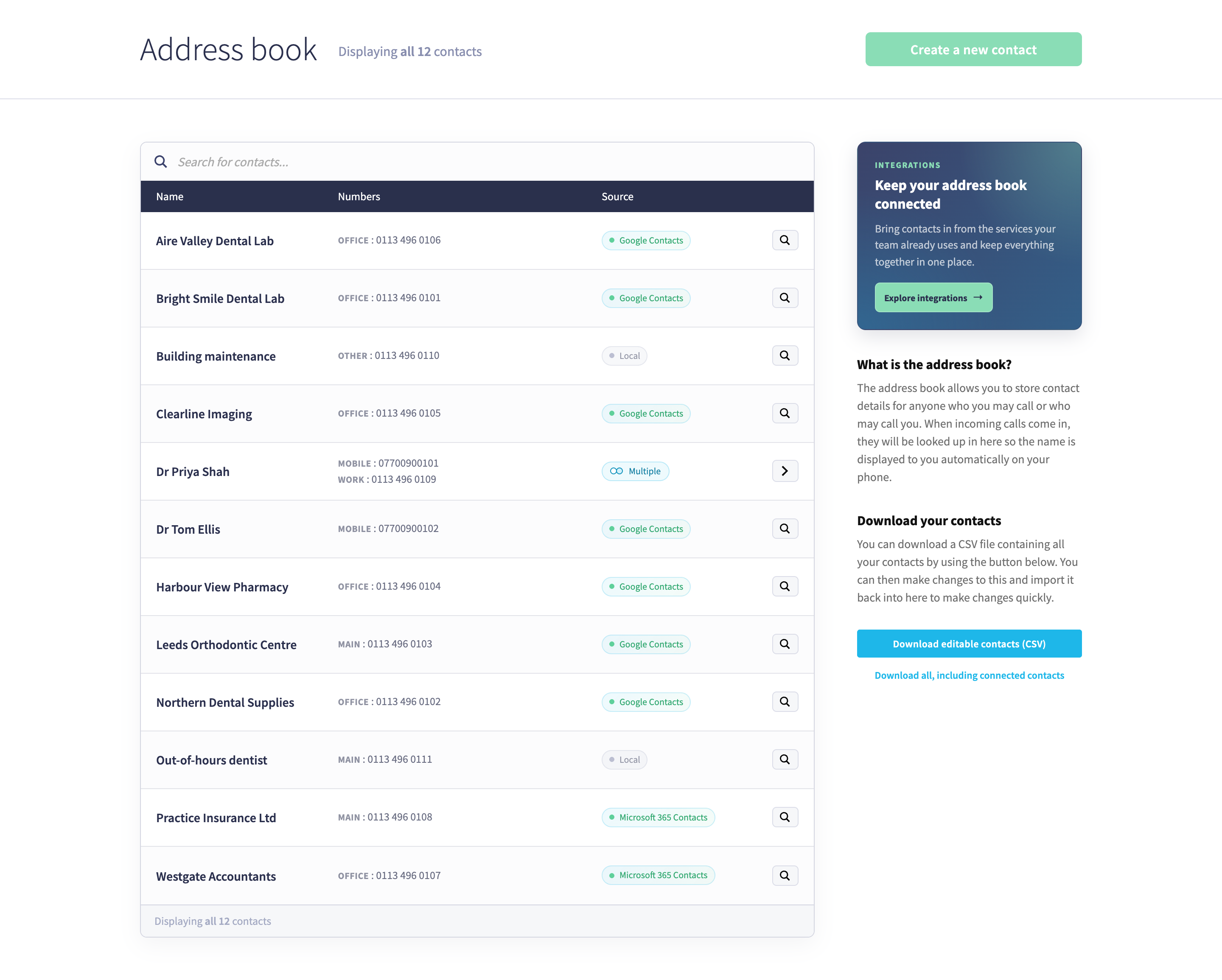
If your team already keeps its contacts in Google or Microsoft 365, there's no need to copy them across by hand any more. Connect can now sync contacts from both, and you can link more than one account to the same phone system.
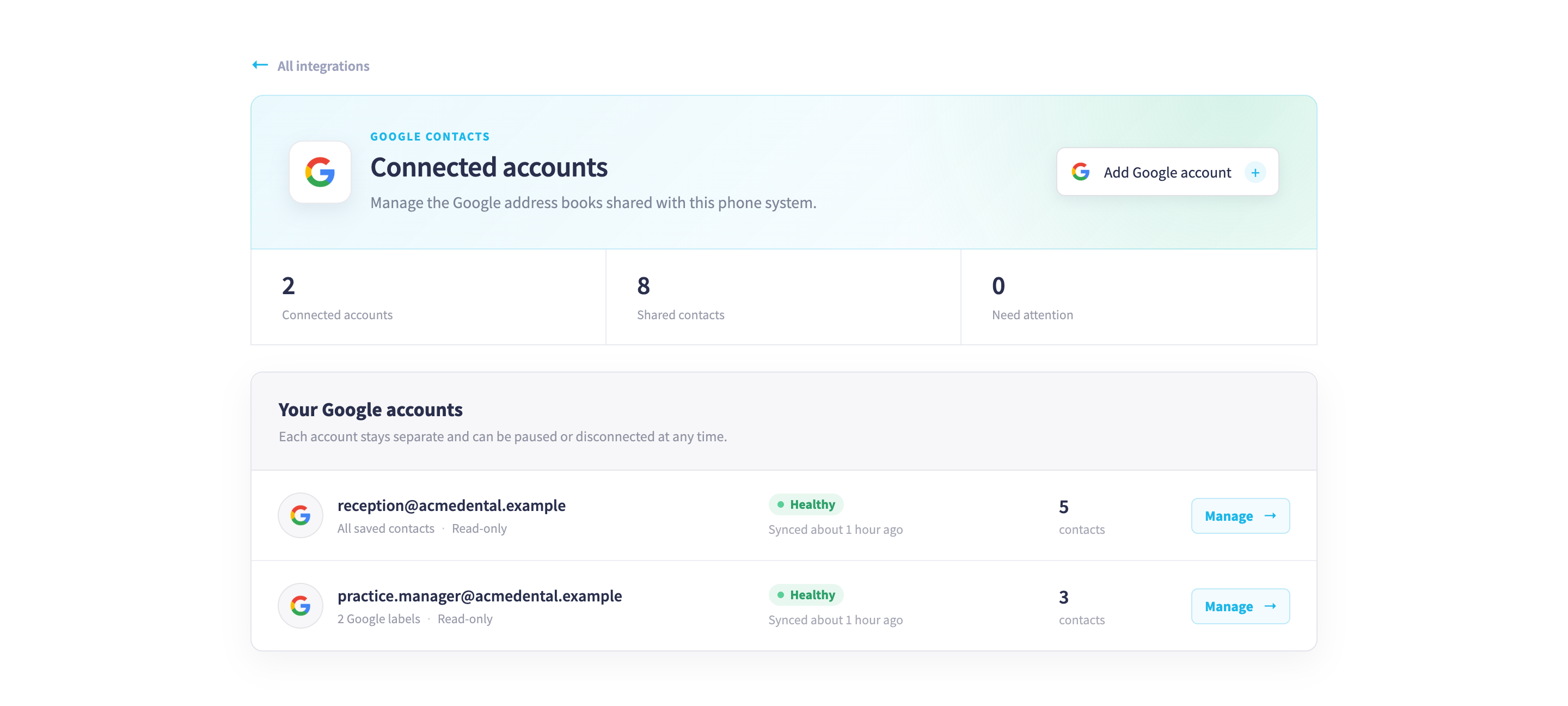
Synced contacts stay up to date on their own and are protected from accidental changes, but you can still keep an editable copy of your own. The address book now shows where each contact came from, groups contacts that share a name, and gives you more ways to export.
A better Slack integration
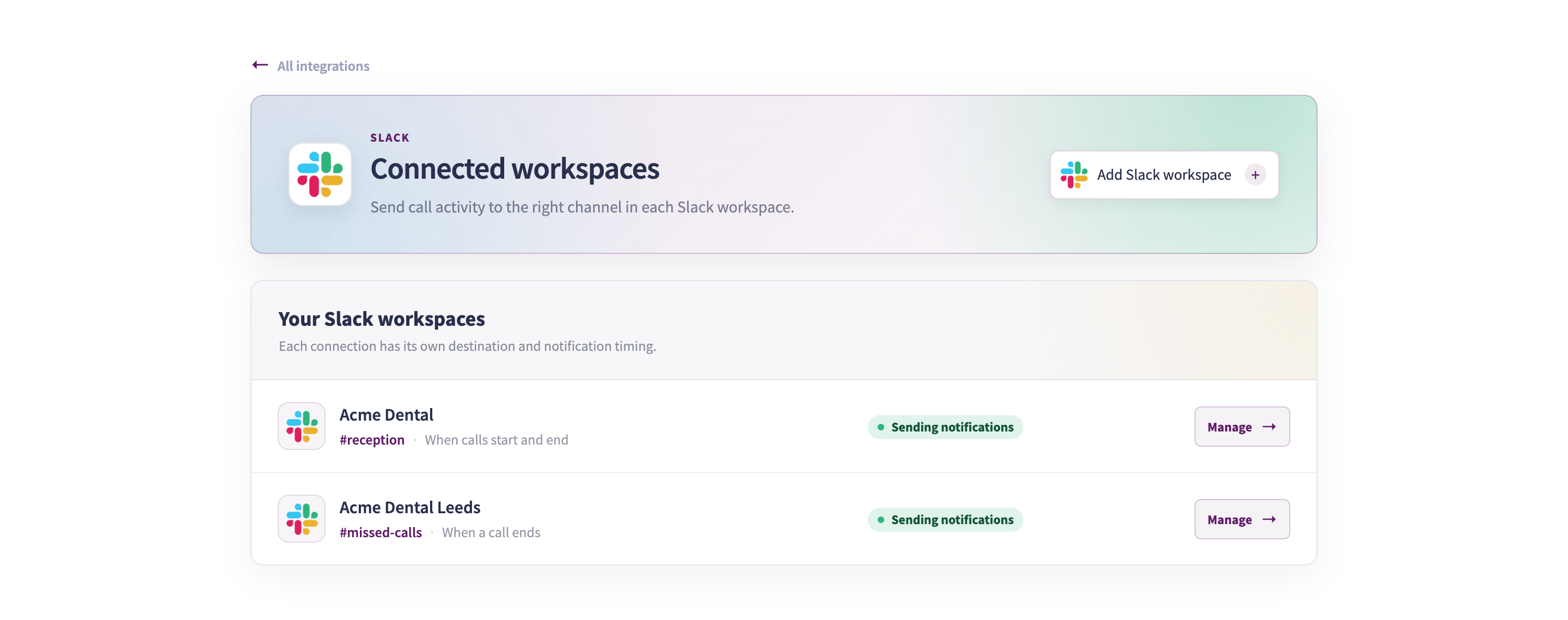
Our Slack integration has grown up too. You can now connect more than one workspace and choose from more call events. Once you've connected, a welcome message pops up in your chosen channel so you know everything's working.
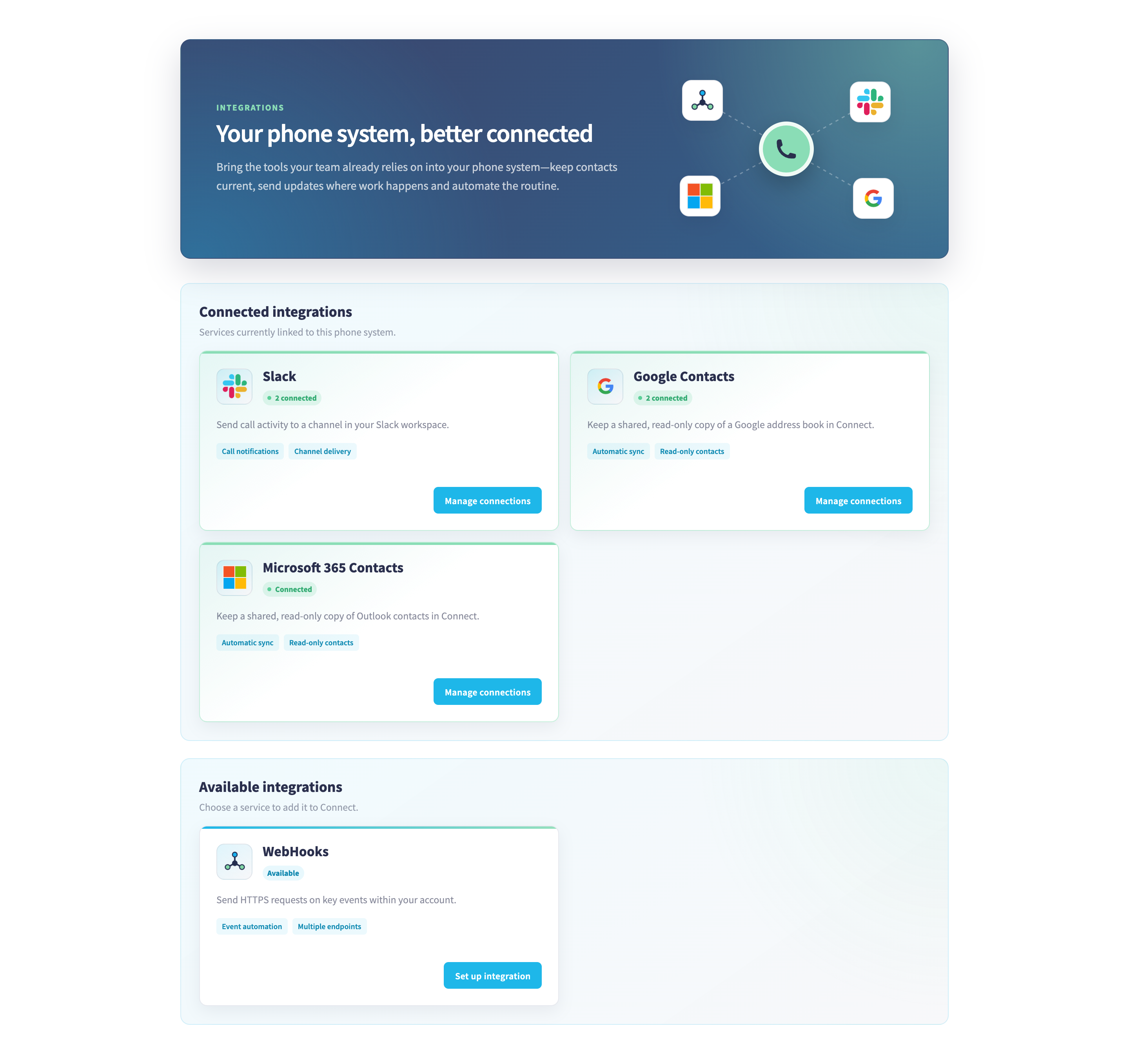
We've also redesigned the integrations pages to make getting set up simpler. Head to Advanced → Integrations to give it a try.
A faster, smoother Connect
We've given Connect a tune-up under the bonnet. Moving between pages now feels quicker and smoother, with less waiting around for whole pages to reload. If your phone system has lots of contacts, extensions or numbers, you'll really notice the difference when choosing where calls should go. Every destination picker now has a search box and loads more options as you scroll, so routing pages stay speedy even with thousands of contacts. Just start typing to find what you need.
Call recordings at a glance
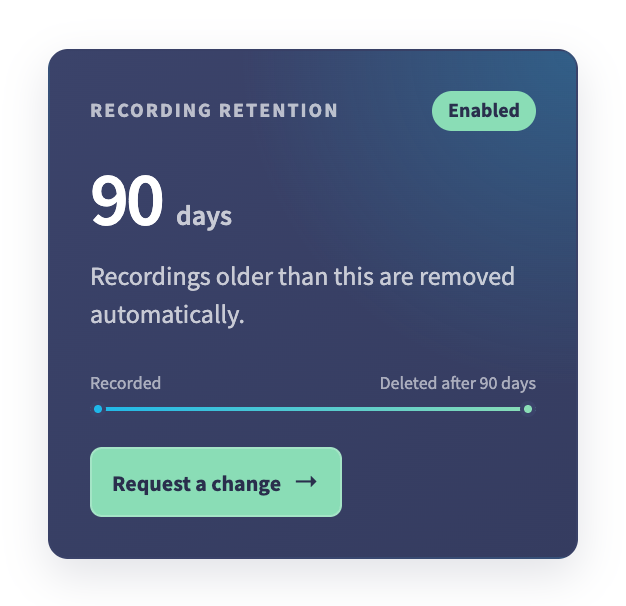
Ever wondered how long your call recordings are kept? The Browse call logs page now shows a recording retention card with a simple timeline. If automatic removal is switched on, you'll see exactly how many days recordings are kept before they're deleted. If it isn't, your recordings stay until you delete them. Want them tidied away automatically after a set number of days? Just get in touch and we'll set it up for you.
More control over caller ID
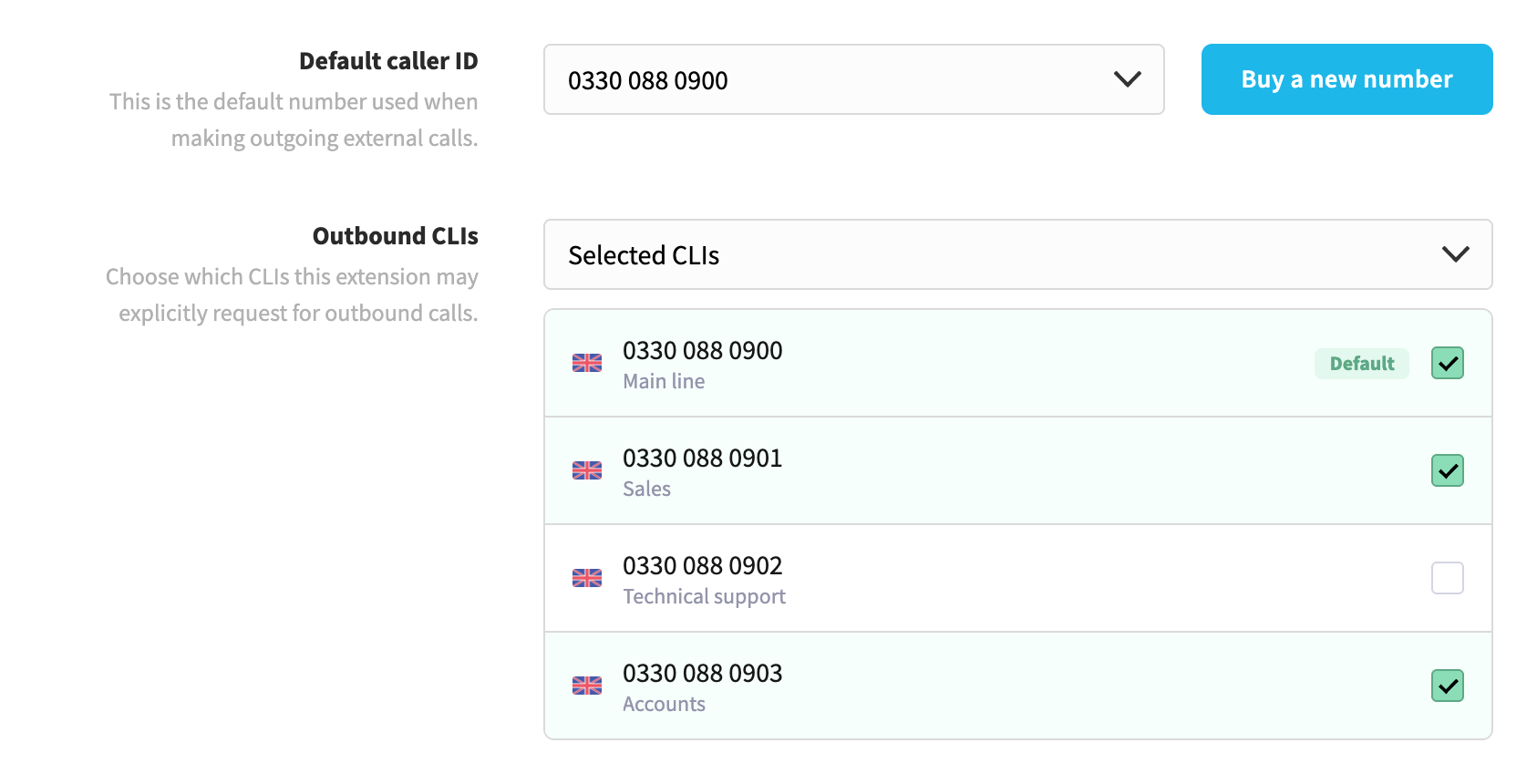
You can now choose exactly which of your numbers each extension is allowed to show when it makes an outgoing call. It's handy when different teams need to present different numbers, such as a sales line and a support line. Open any extension's settings to pick its numbers.
What's coming up next?
Bank holiday routing! We've already added UK bank holiday calendars to Connect, and very soon you'll be able to send calls somewhere else on those days, such as a closed message or a voicemail box, without having to remember to change anything.
Each route follows the bank holidays for your part of the UK and switches on automatically for the whole day. If you'd rather stay open on a particular holiday, you can skip that day with a single click. It works alongside your existing time routes, and you'll be able to see it in your visual call flow too.
That's all for now. As always, we'd love to hear what you think! If there's something you'd like to see in Connect, get in touch with our team.