
We're excited to share an update that's going to make customizing your email templates much simpler and more intuitive.
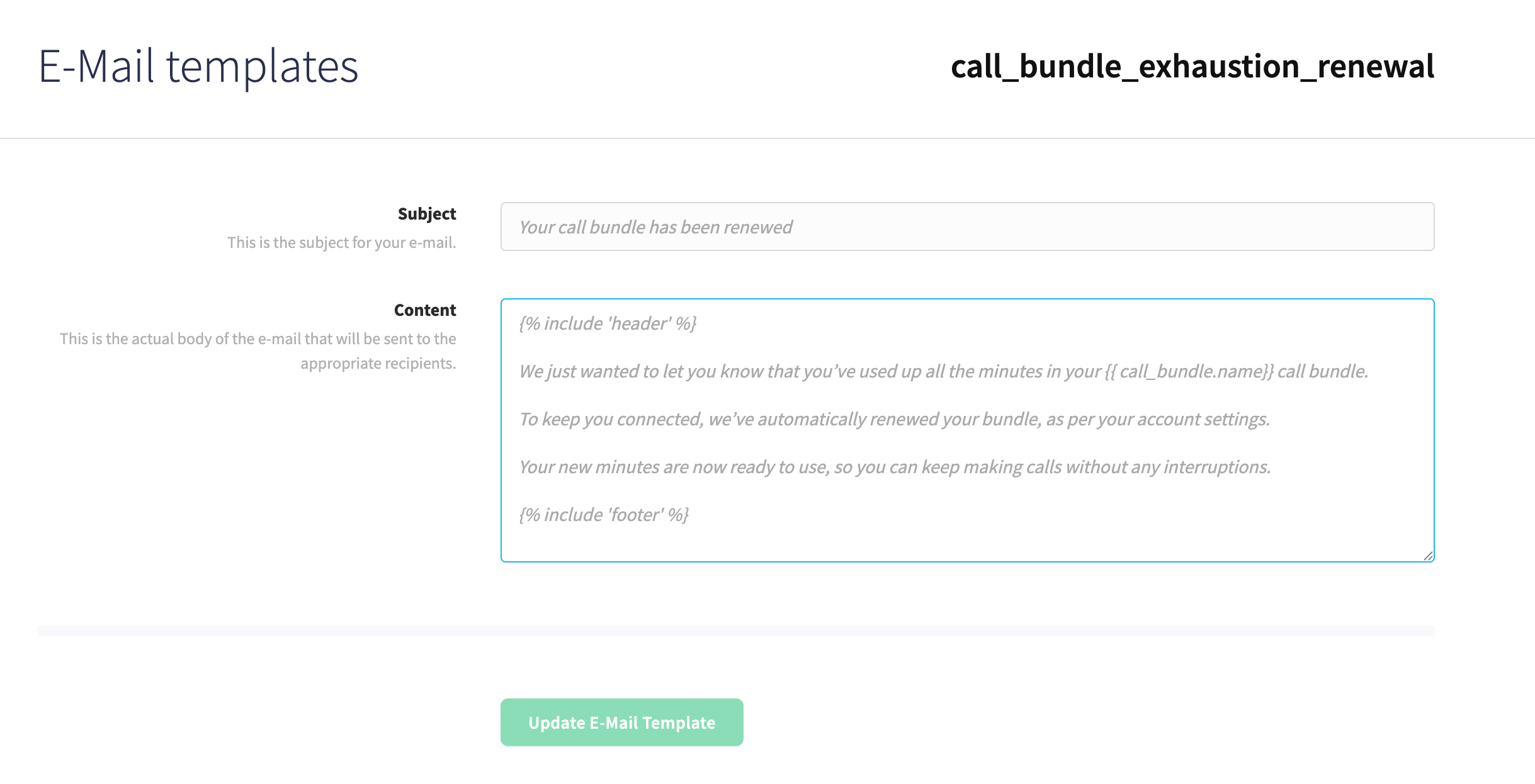
As our partner programme has grown, we've heard your feedback about the email customisation experience. The previous editor worked, but we know it wasn't the most inspiring to use. The flat interface made it tricky to quickly tweak the default text and see your changes come to life.
What's new?
We've completely rebuilt the email template editor from the ground up. Here's what you can now do:
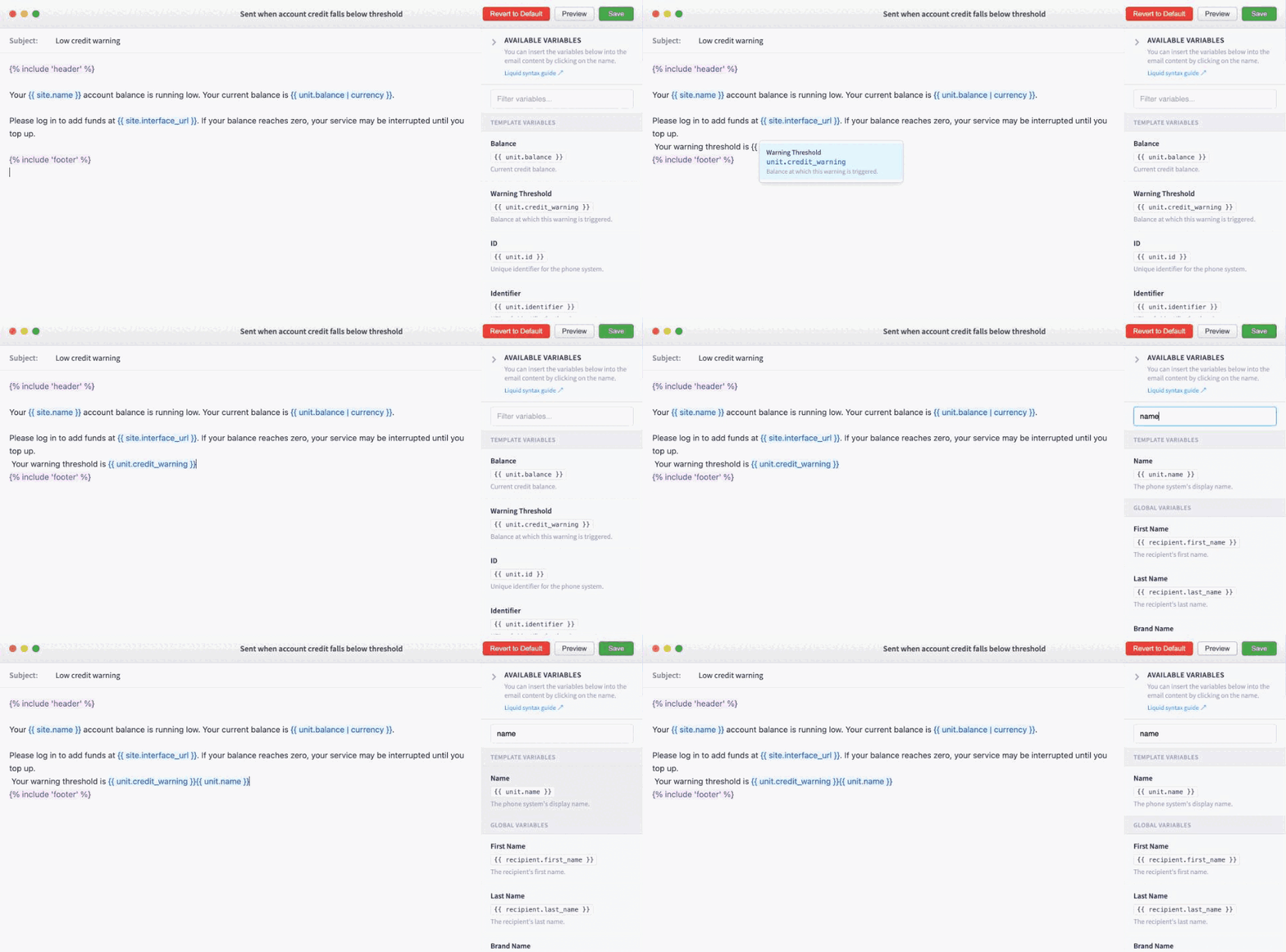
- Interactive editing with smart highlighting – Variables are now clearly highlighted as you work, so you always know what's dynamic content
- See your content in real-time – The default text is fully visible and editable from the start, with an easy revert option if you want to go back
- Preview as you go – View exactly how your template will look once you've made your changes
- Quick variable insertion – All available variables are listed right in the editor. Just click one and it drops straight into your content where your cursor is
- Type-ahead variable search – Start typing
{{and a smart autocomplete menu appears, letting you find and insert the variable you need without lifting your hands from the keyboard - Context-specific variables – Some templates now include extra variables tailored to their purpose. For example, the low credit warning template now has
balanceandcredit_warningoptions, so you can give customers more useful, specific information
Whether you're maintaining a formal tone or keeping things casual, customizing your emails to match your brand voice is now genuinely straightforward.
Don't worry, everything else stays the same. All your existing templates and content remain exactly as they were on the backend.
We think you're going to love this update, but we'd genuinely like to hear what you think. As always, questions and feedback are very welcome.
