
With the Christmas break just around the corner, it’s important to make sure that your incoming calls are going to be correctly routed while your offices are closed. With Dial 9, this has always been easily achieved by using a preset. This is a setting that can be simply activated with a click when your office closes just before Christmas, then deactivated in the New Year once you're open again.
This year however, we’ve added a brand new feature called Preset Rules. These allow you to schedule the activation and deactivation process in advance, removing the need to take this manual step. If you don't already have a preset in place, you can find out how to create one here. Normally, presets can be as simple as diverting all calls to a specific audio message or voicemail box:
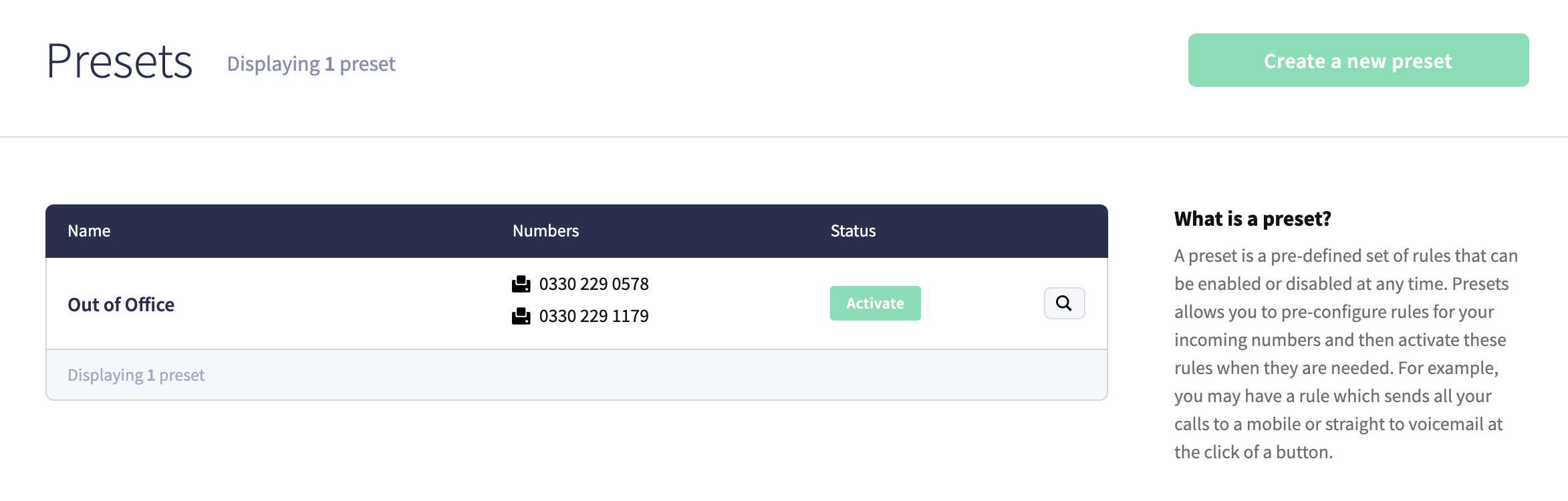
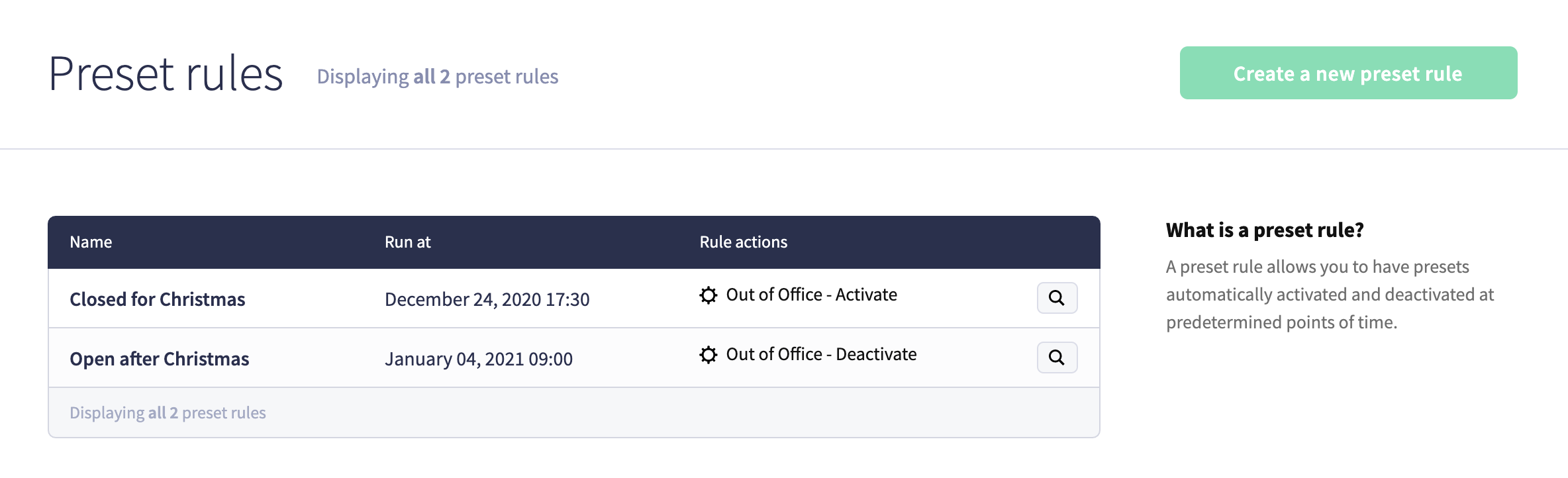
Once the preset is configured you'll just need two Preset Rules - one for the initial activation and another to then deactivate it.
When finished, you'll have something like the following setup in your service:
If you need any assistance with getting your phone system ready for the Christmas break, please don't hesitate to get in touch.
