
Editing a pickup group
Clicking the name of a pickup group or the edit icon next to it in your list will allow you to edit it:
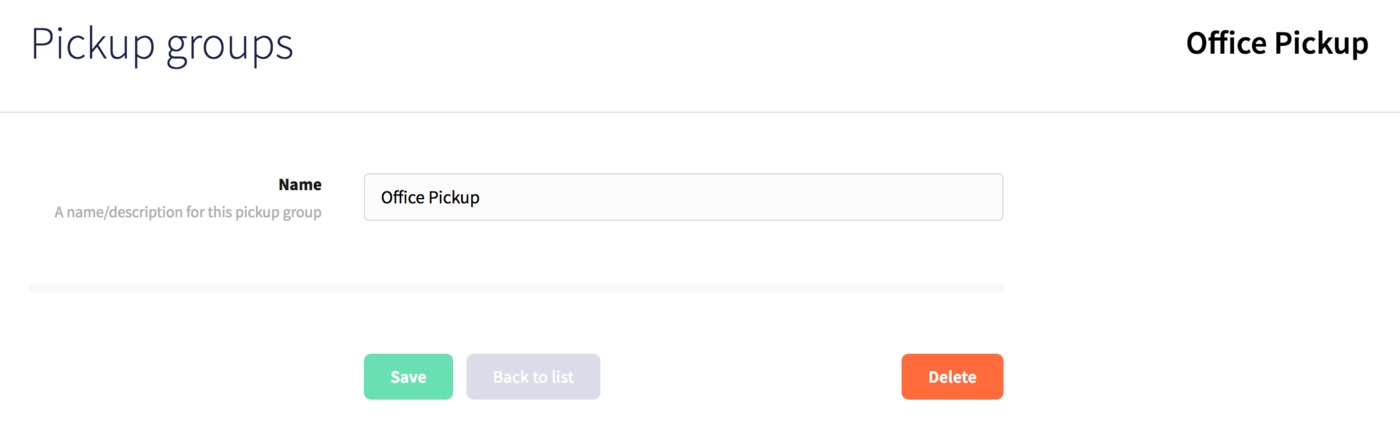
Here you can update the name of the group, then click Save to finish, or Delete to remove the pickup group.
Clicking the name of a pickup group or the edit icon next to it in your list will allow you to edit it:
Here you can update the name of the group, then click Save to finish, or Delete to remove the pickup group.
