
Editing a preset
Clicking on the name of the preset, or the edit icon next to it will allow you to edit it.
Preset details
Initially, you'll see a Preset details tab:
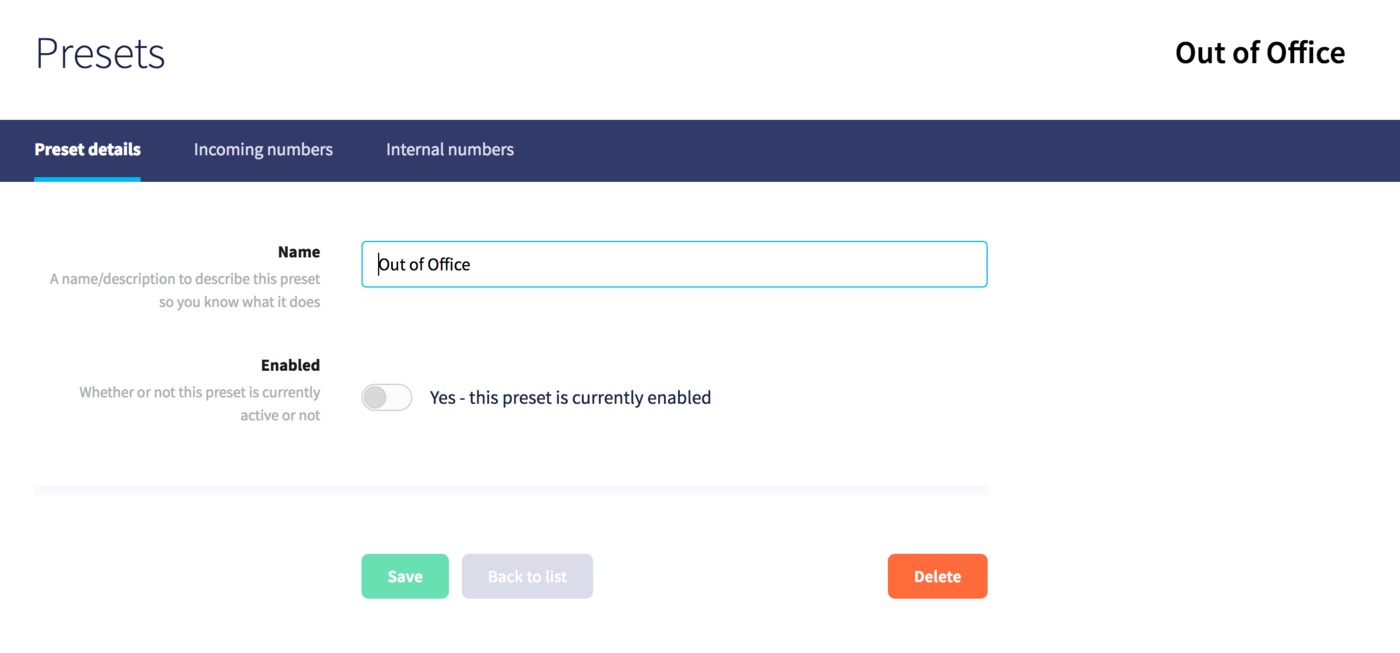
Here, you can edit the name, enable or disable the preset, or Delete if you wish to remove the Preset.
Incoming numbers
Here, you can configure different destinations for each incoming number that the preset will apply to:
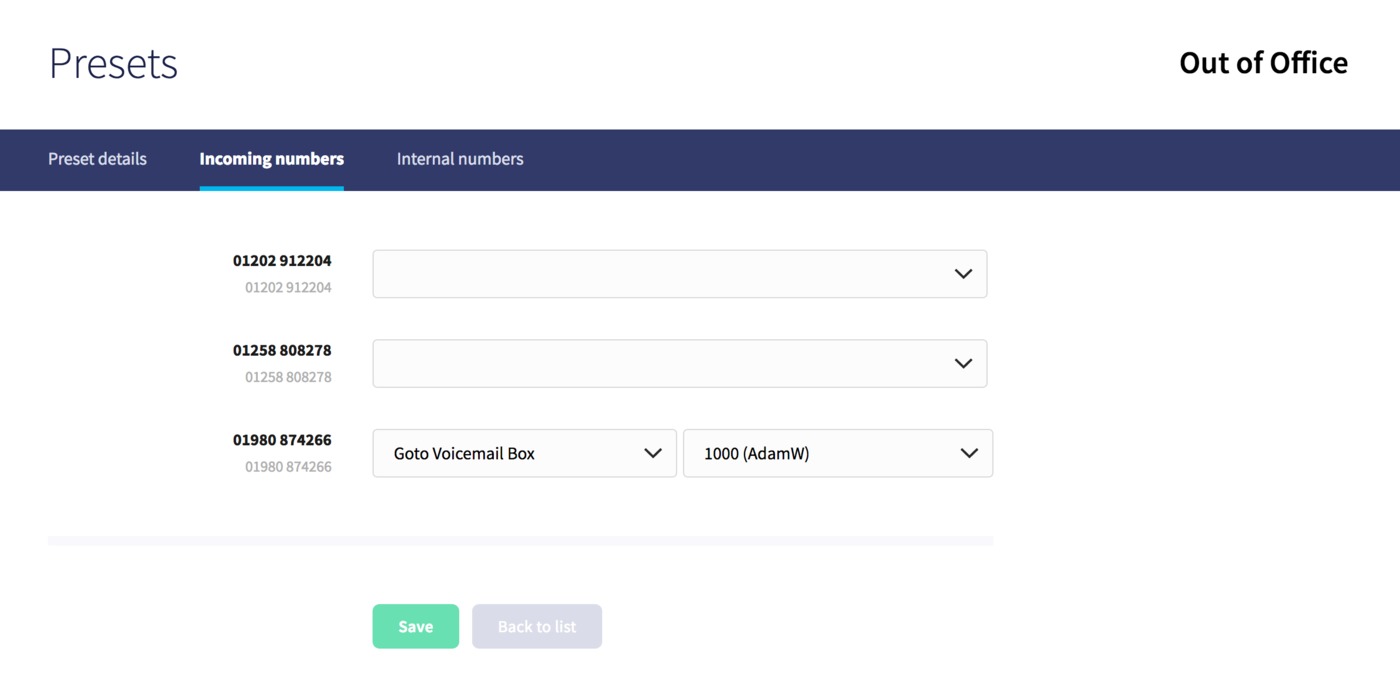
Leave the option blank if you don't want the preset to apply to a certain number, or, choose the destination type followed by the specific destination to apply it to any number.
Internal numbers
Here, you can configure different destinations for each internal number that the preset will apply to:
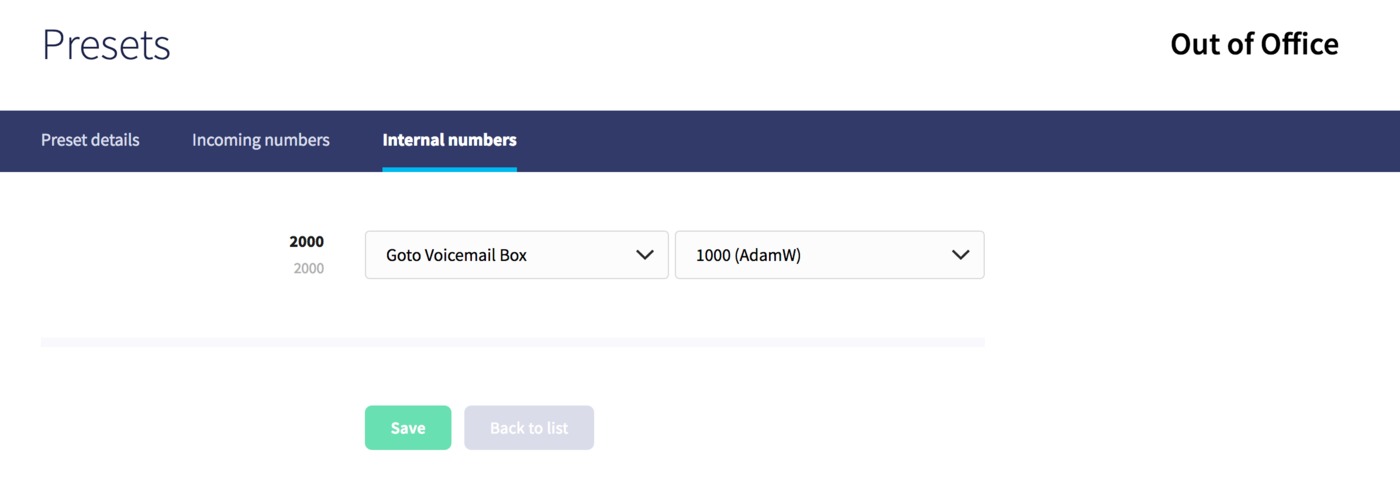
Leave the option blank if you don't want the preset to apply to a certain number, or, choose the destination type followed by the specific destination to apply it to any number.
Just press Save at any time to update any configuration.
