
Adding a new webhook
Select the Set up integration button, this will allow you to add a new webhook to your phone system:
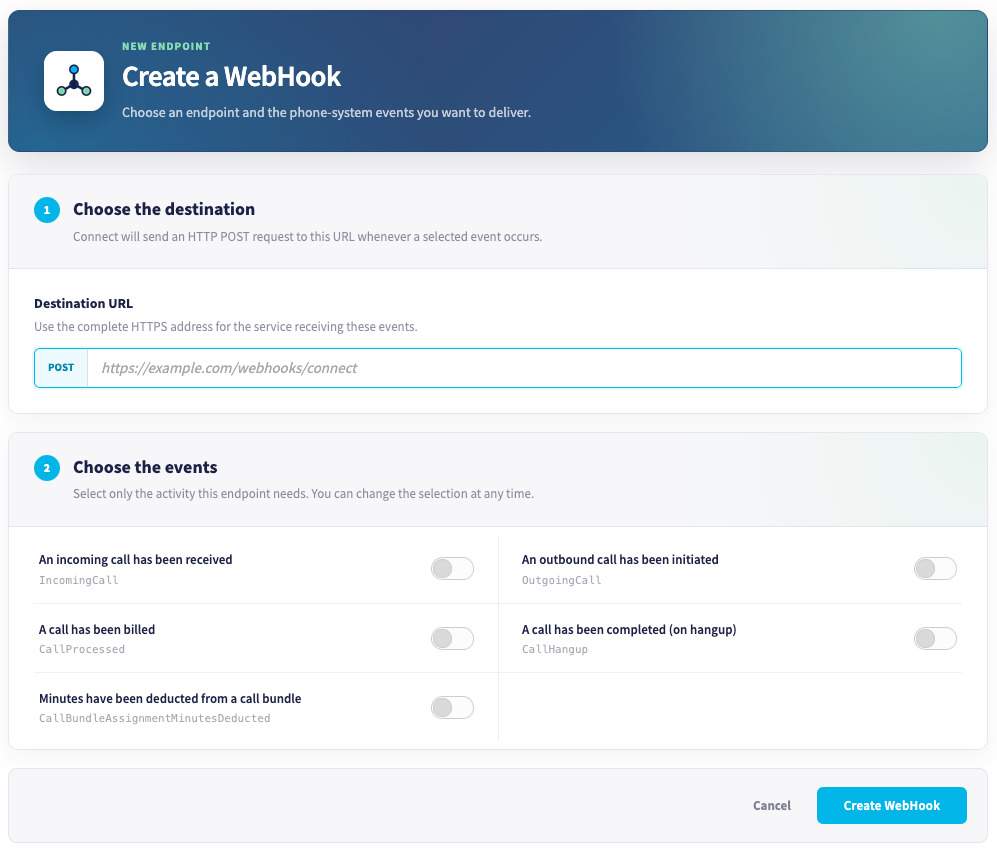
Enter the URL that the webhook will send event data to, then enable events that you wish to send below.
Click Create WebHook to finish.
Once the Webhook is created, if you select Manage on the right of the screen, you'll see a unique auth token that will be sent within this webhook that you can use to verify that the request came from your account.
