
Adding or managing a Voicemail box
When configuring a new, or existing voicemail box, a number of options are available.
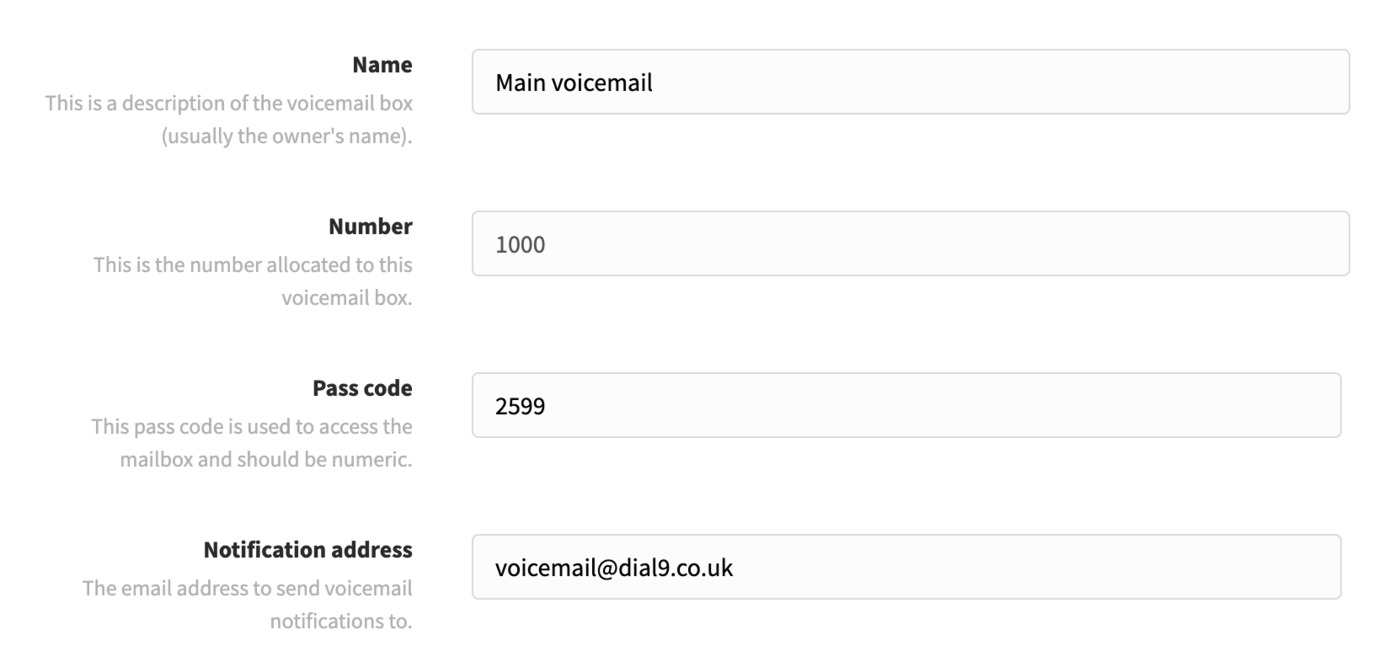
Initially, you'll be able to update the name, password, and notification e-mail address. The voicemail box number cannot be changed, so if you wish to utilise a different number you'll need to create a new voicemail box with the new number, then remove the previous one.
Greetings
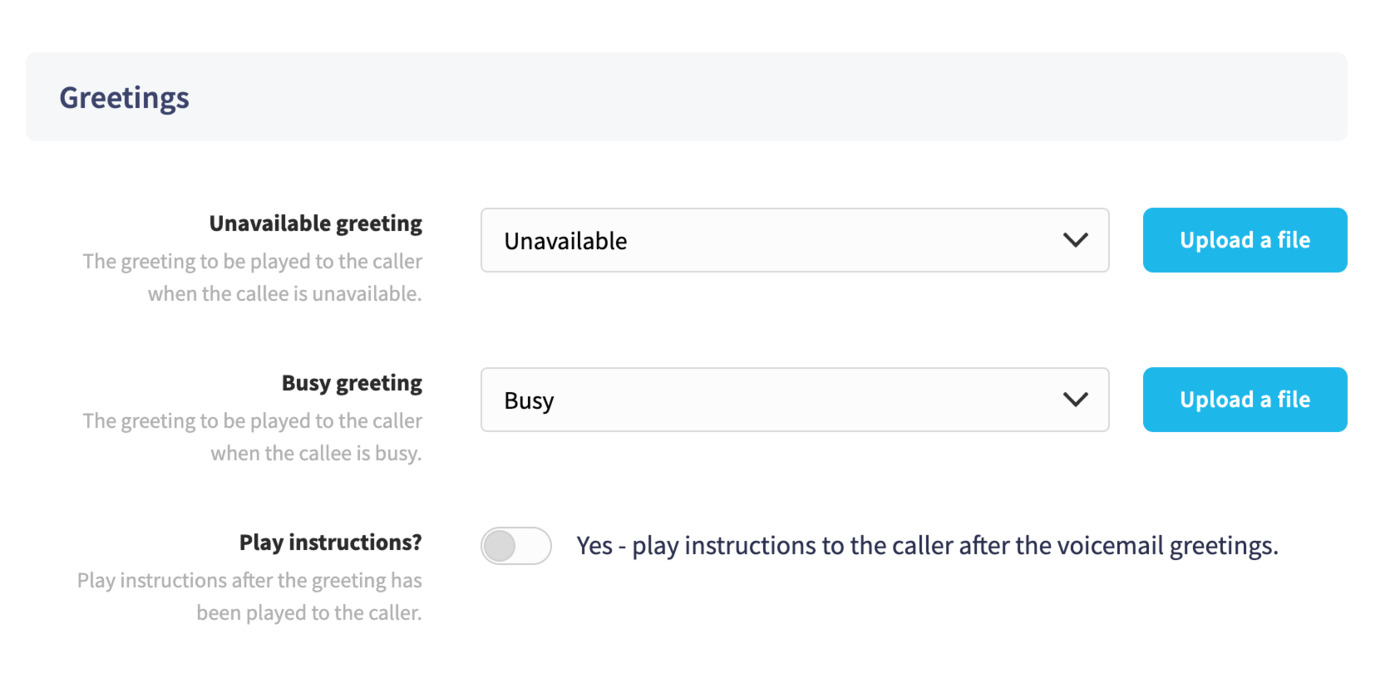
Then, within the Greetings area you can add a custom audio file, and disable the option to play instructions (recommended if you add your own audio).
Advanced options
The Advanced options allow you to set an optional maximum message length to limit how long a caller's message can be.
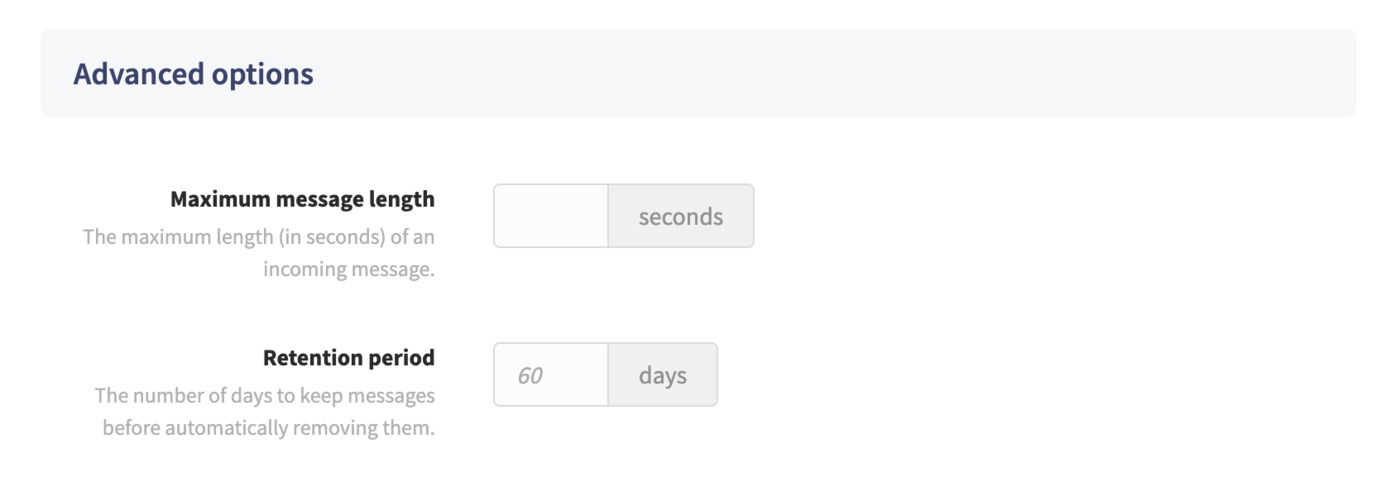
By default, all voicemail messages will be deleted after 60 days. You can edit this to auto-delete messages after a time period of your choosing, up to 60 days, using the Retention period setting.
If you wish to remove the voicemail box, you'll be able to use the Delete button at the bottom of the page, otherwise, you can click Save to apply any changes.
