
Listening to voicemail messages
Initially, when navigating to a Voicemail box within your Dial 9 service, you'll see an Inbox tab with a list of all your messages:
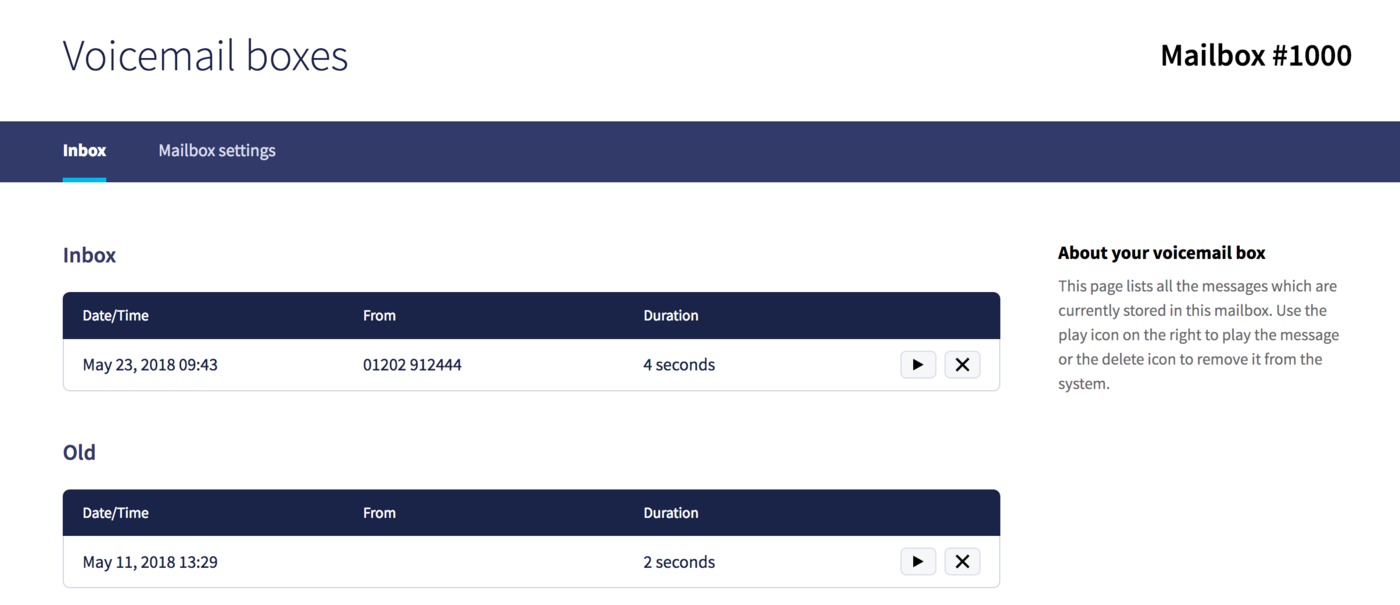
Any new messages will display first, within the Inbox table, then anything previously listened to within Old. Just press the play button next to any message to listen to it:
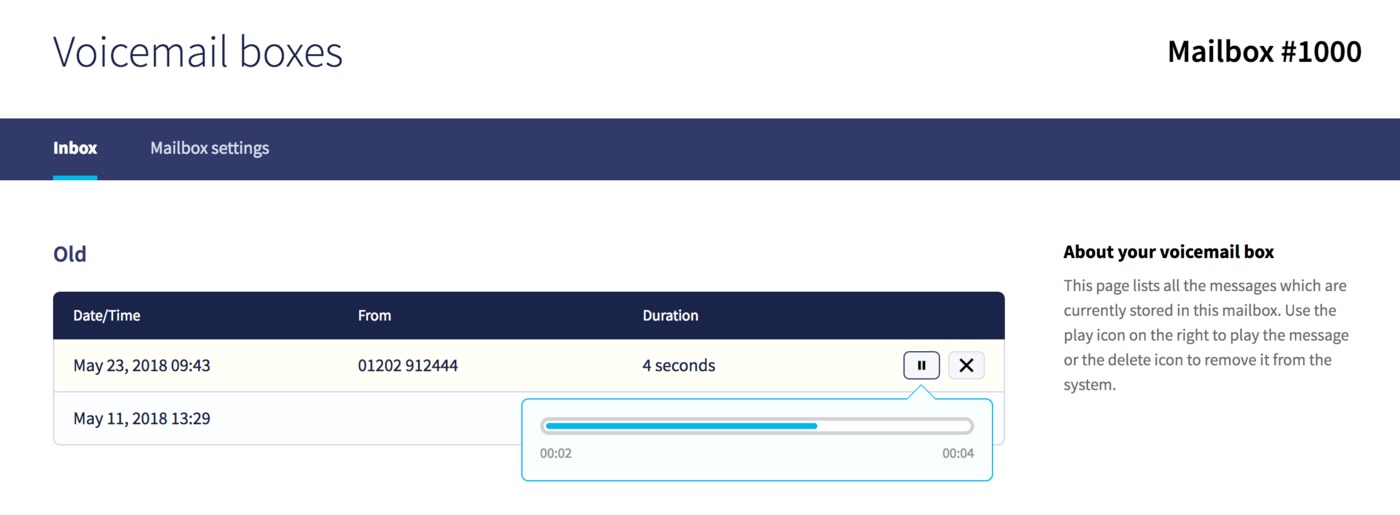
Or press the delete icon to remove the message.
