
View active login sessions
There may be times where you need to check all active login sessions for your Dial 9 account.
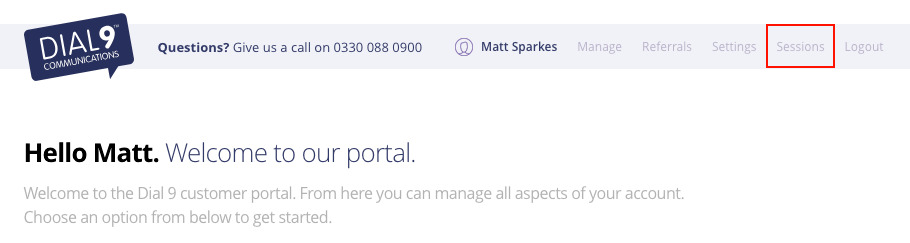
You can see all active sessions for your user account by logging into the Dial 9 portal and selecting Sessions at the top of the page.
Within the sessions section, you can see the user agent and IP address for each session, and revoke access for a specific session.
Each time your Dial 9 account is accessed from a new device, you will receive an email to advise the user agent and IP address for the new login.
