
Adding a new customer
By clicking the Add a new customer button from within the Customers area in your partner account, you can add a new customer to it.
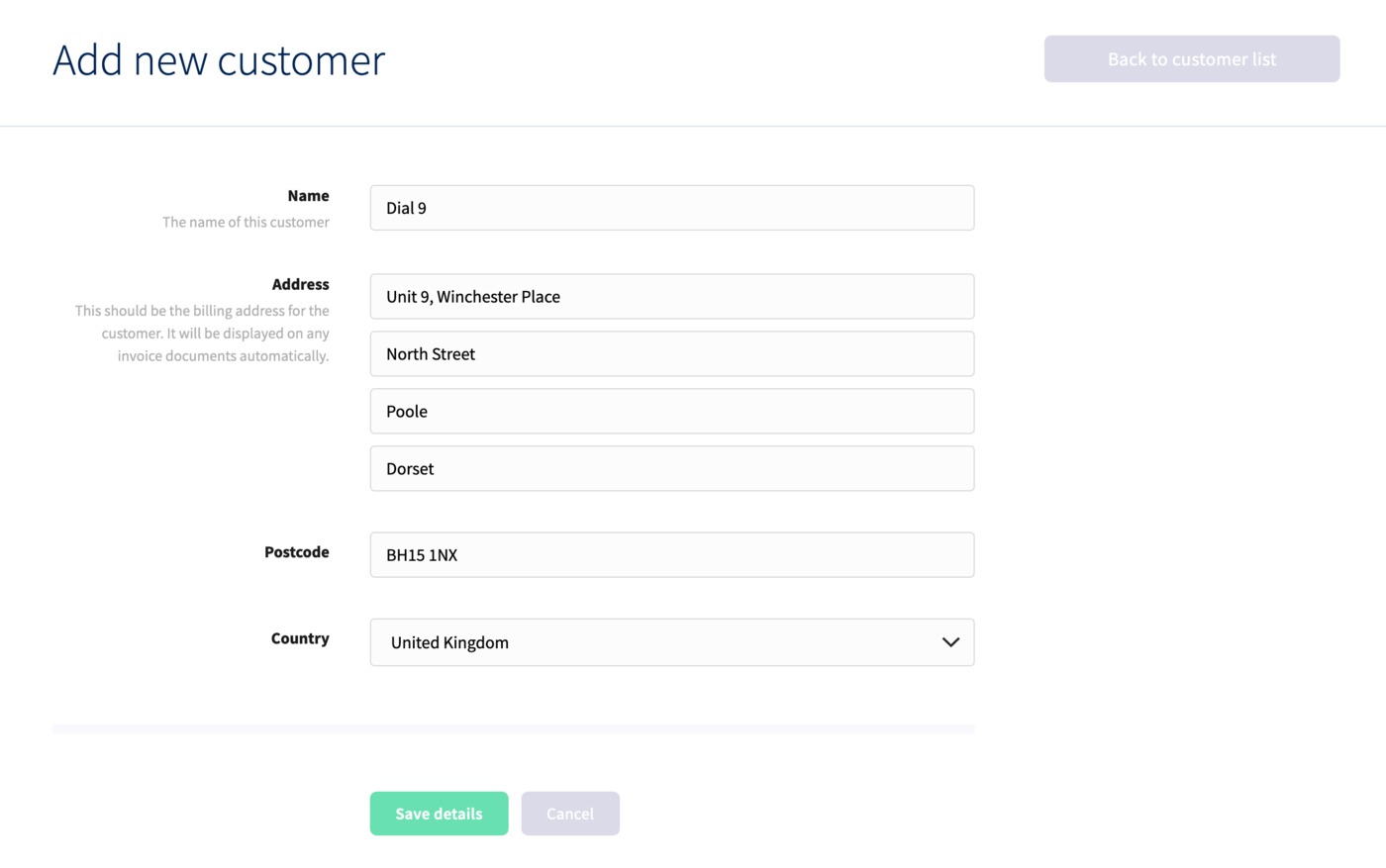
Enter your customer's name, then full billing address including the postcode and country. These details will be displayed on any invoices that are raised for them.
Click Save details to finish, then you'll be redirected to configure phone systems and aspects of the customer billing.
