
Adding a new notification contact
Clicking the Add a new contact within the Contacts tab when managing a customer allows you to add a new contact to their account:
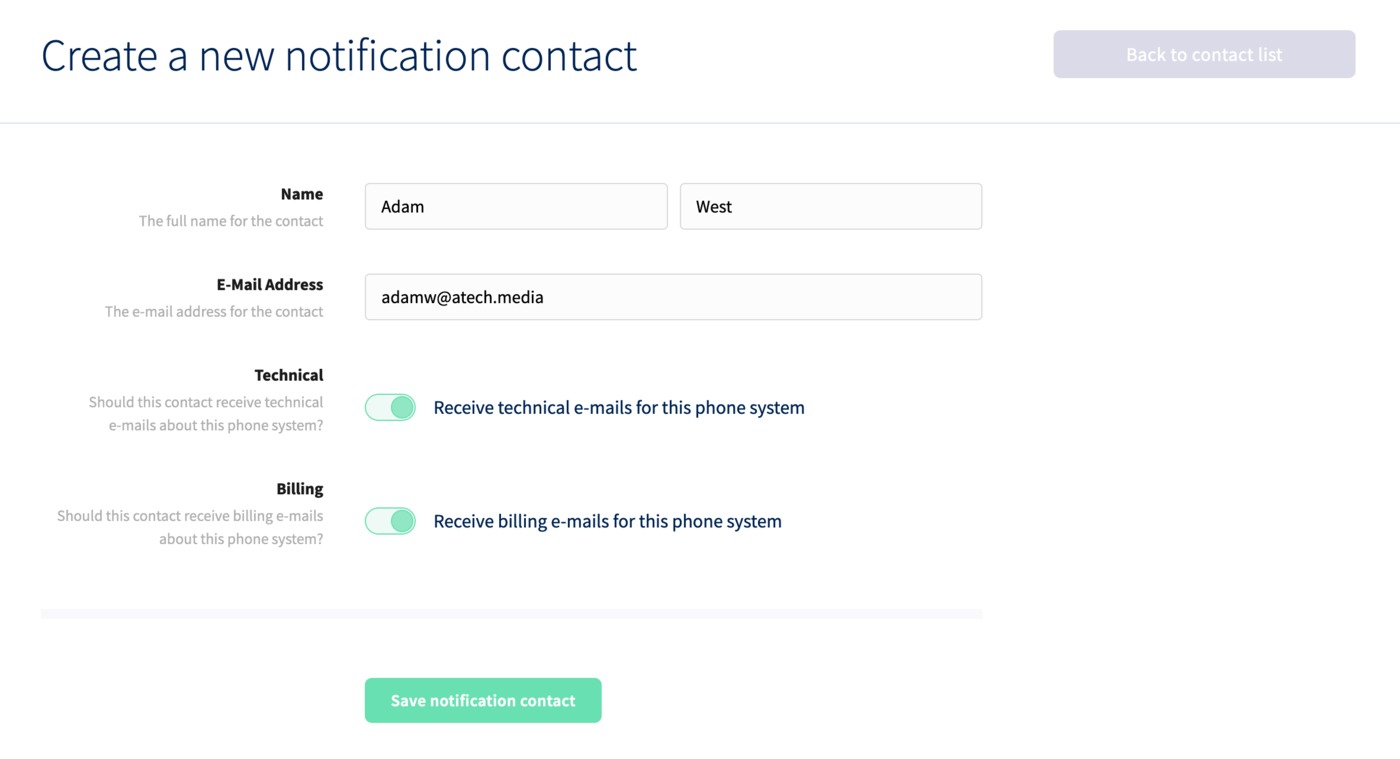
Here, you can enter their name, email address and choose whether they'll receive technical emails, billing emails, or both.
Click Save notification contact to finish.
