
Direct Debit mandates
Within the Dial 9 portal your customers now have the ability to add a new direct debit mandate, or remove existing mandates.
Firstly, you would need to ensure that you have set up the GoCardless integration.
Once the GoCardless integration has been set up, your customers will have the ability to setup and remove mandates from within their portal login under Finance > Direct debit mandates.
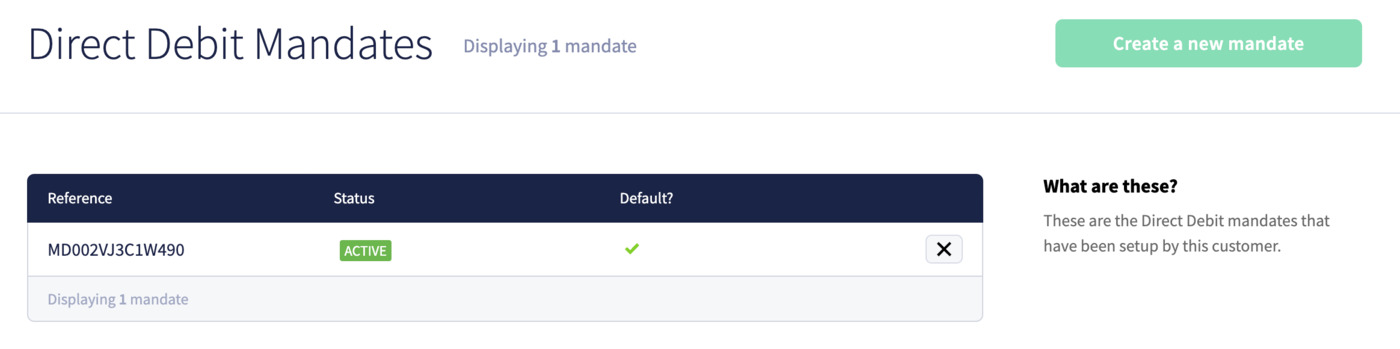
To view your customers direct debit mandates, you can log into your Dial 9 portal, select Customers and then the name of the customer you wish to view direct debit mandates for.
When a customer has been selected, you would then select Finance > Direct debit mandates
Here you will see a list of all previously configured direct debit mandates. If you wish to remove a mandate you can select the X to the right of the mandate that is no longer required.
Although the ability to create a new mandate is available for you, we would strongly advise against creating mandates for your customers.
