
Adding an API token
Clicking the Create a new API token button in your API access page will allow you to add a new API token to your partner account:
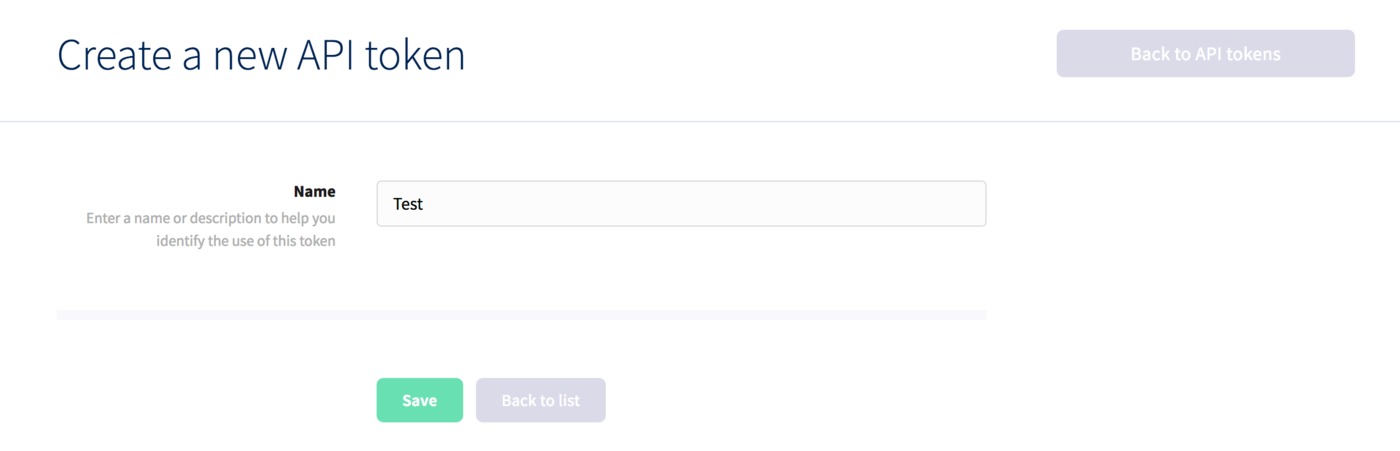
Just enter a description for your new token, the click Save to finish. You'll then be taken to the edit area for the token, where you can make a note of the token and secret.
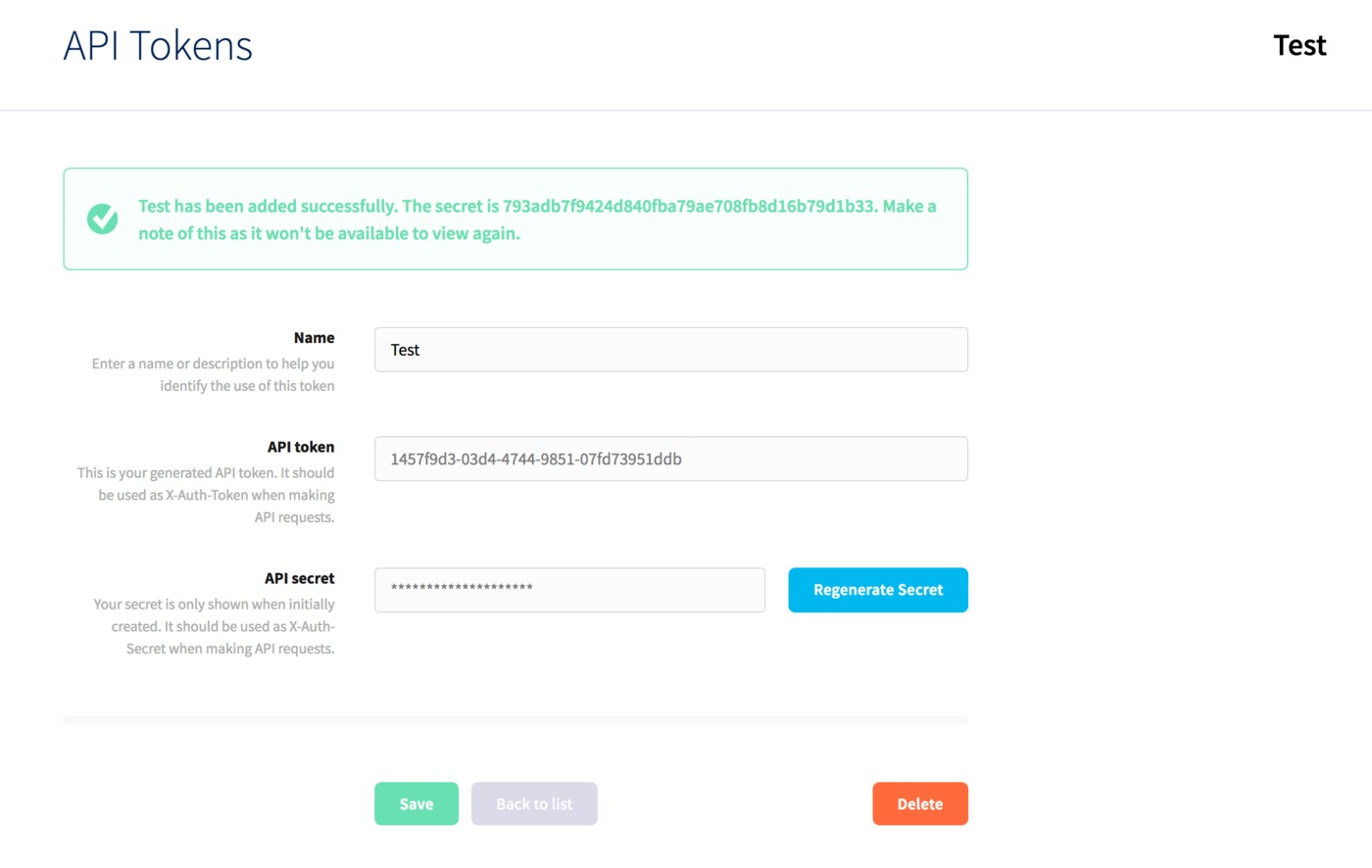
The secret will only be displayed once, so you'll need to make a note of it straight away, otherwise you can click the Regenerate Secret button here or whenever you're editing the token to generate a new one.
