
Editing a user
Within the user management area, you can click on a user's name or the edit icon next to their entry in the list to configure their settings:
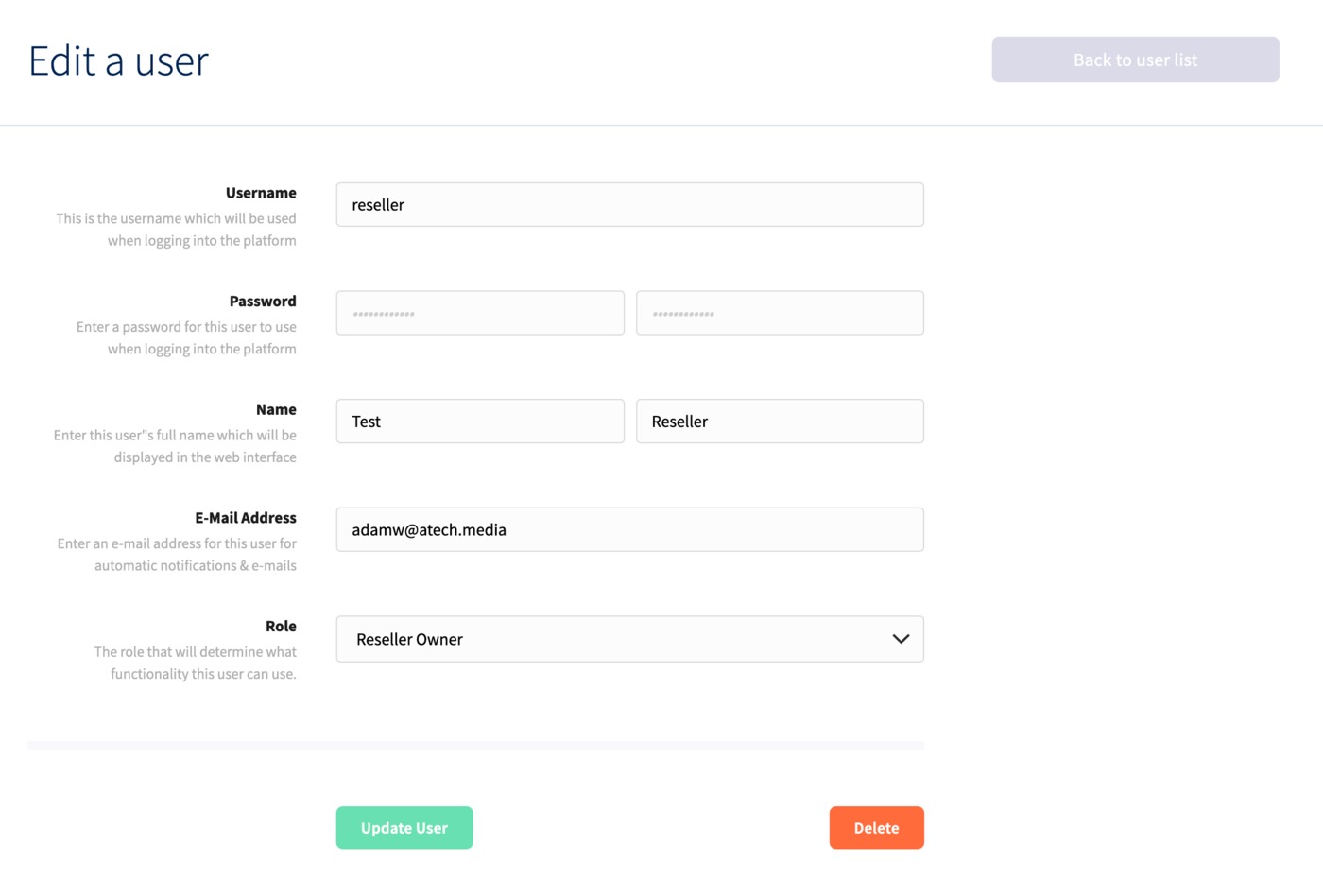
You can update their name, username, password and email address initially. You can also reassign them to a new partner role if you wish.
Once you've made any changes, click Update User, or Delete if you wish to remove the user from your partner account.
