
User management
Within the user management area you can configure, and add users to be able to log in to the phone system and modify configuration.
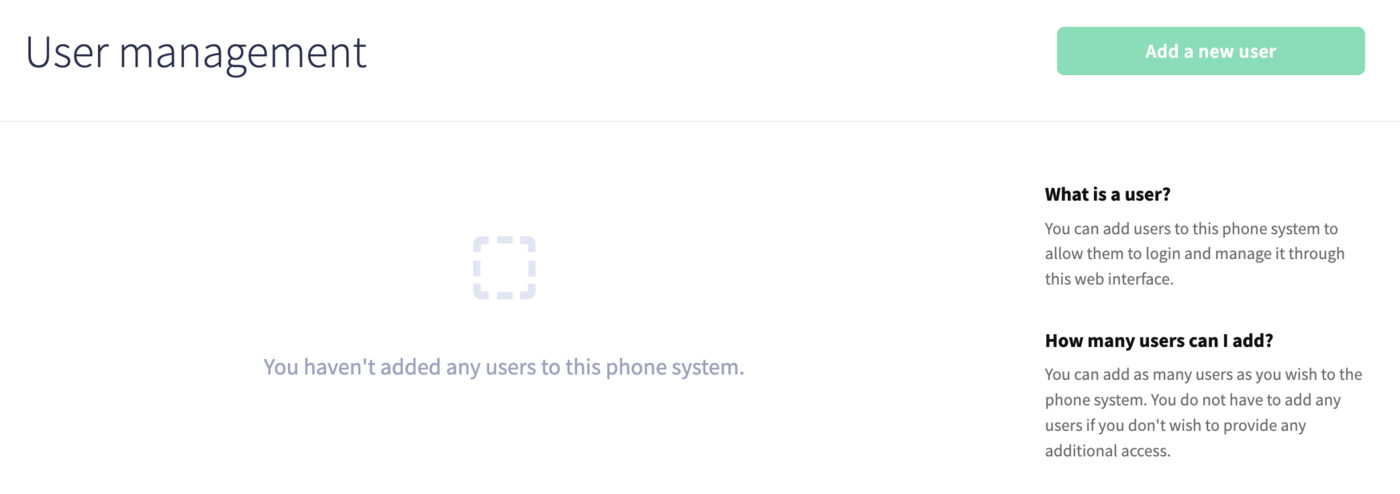
You'll also be able to add a new user by clicking the Add new user button on the right-hand side:
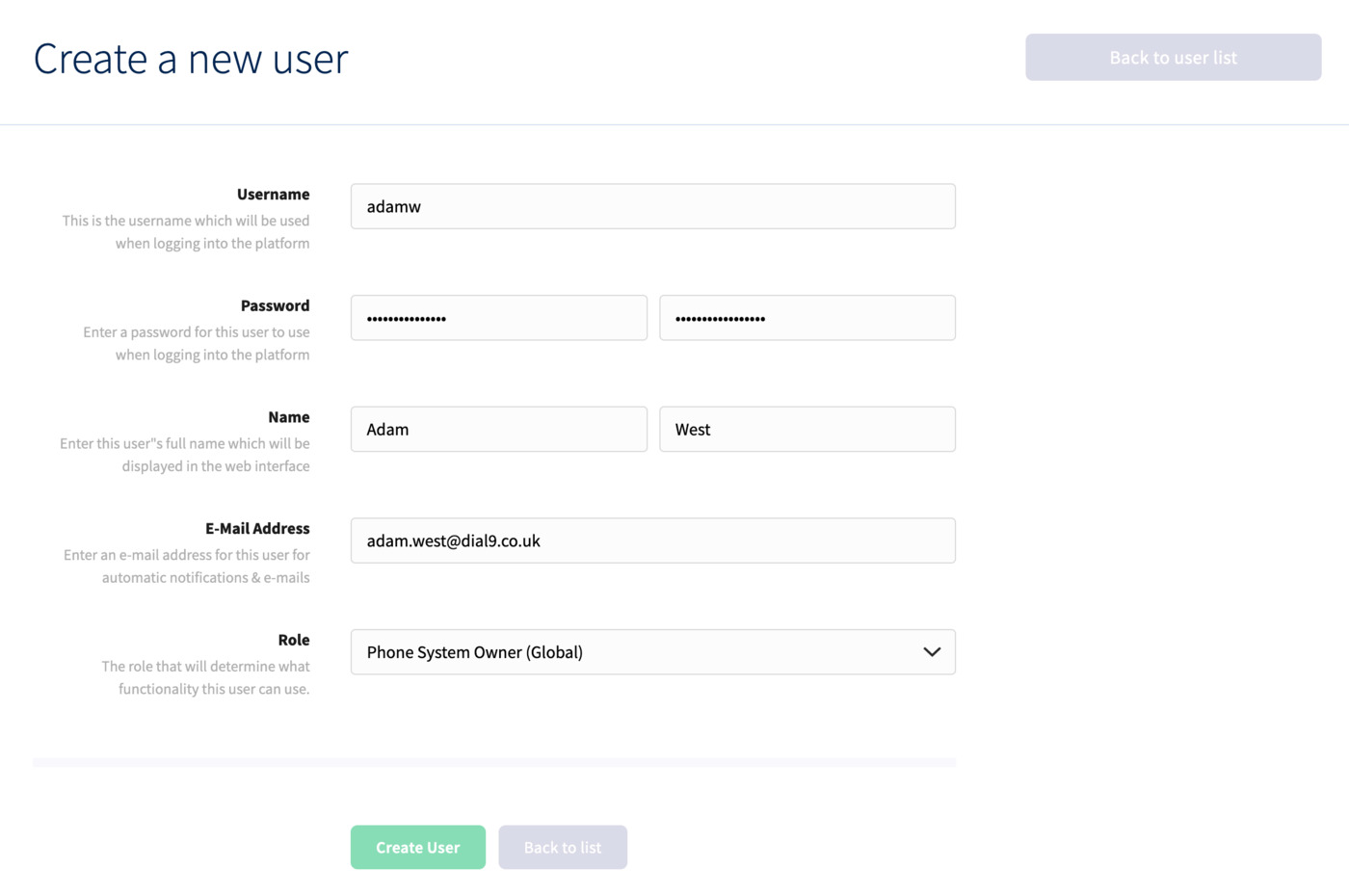
Here, you can create a username and password, add a name and email address, then finally choose an appropriate role for the user.
Once you've finished, click Create User.
