
Monthly Comparison
When you first visit the Reports area, you'll be taken to the Monthly Comparison tab, you can generate a revenue comparison report between two full months in your partner account.
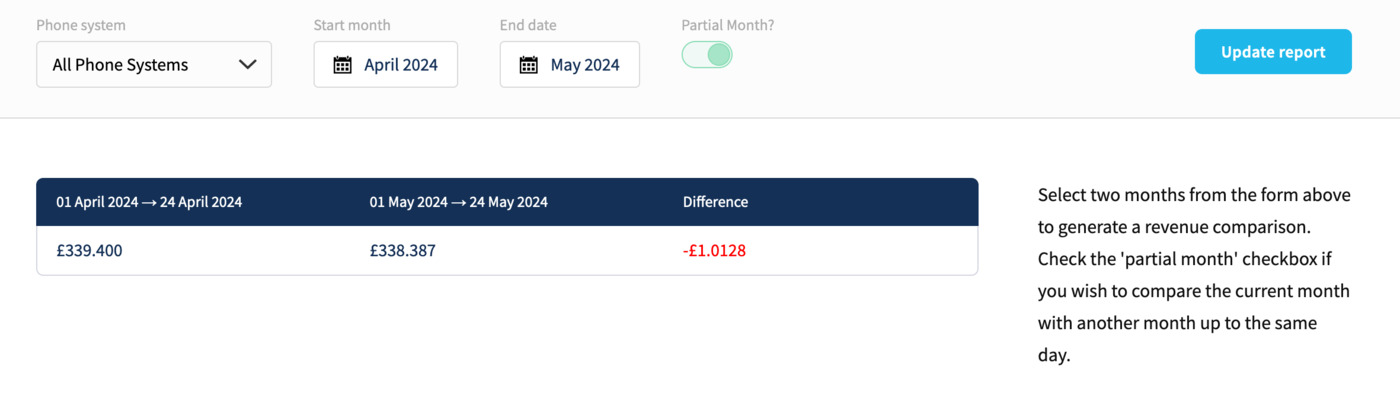
You can generate a report for everything or select a specific unit, then choose two months to compare. Finally, you can also compare a partial month so that an accurate report can be generated only up to the current day.
